How to Build a WhatsApp AI Agent in 2026: AI Agents vs Chatbots
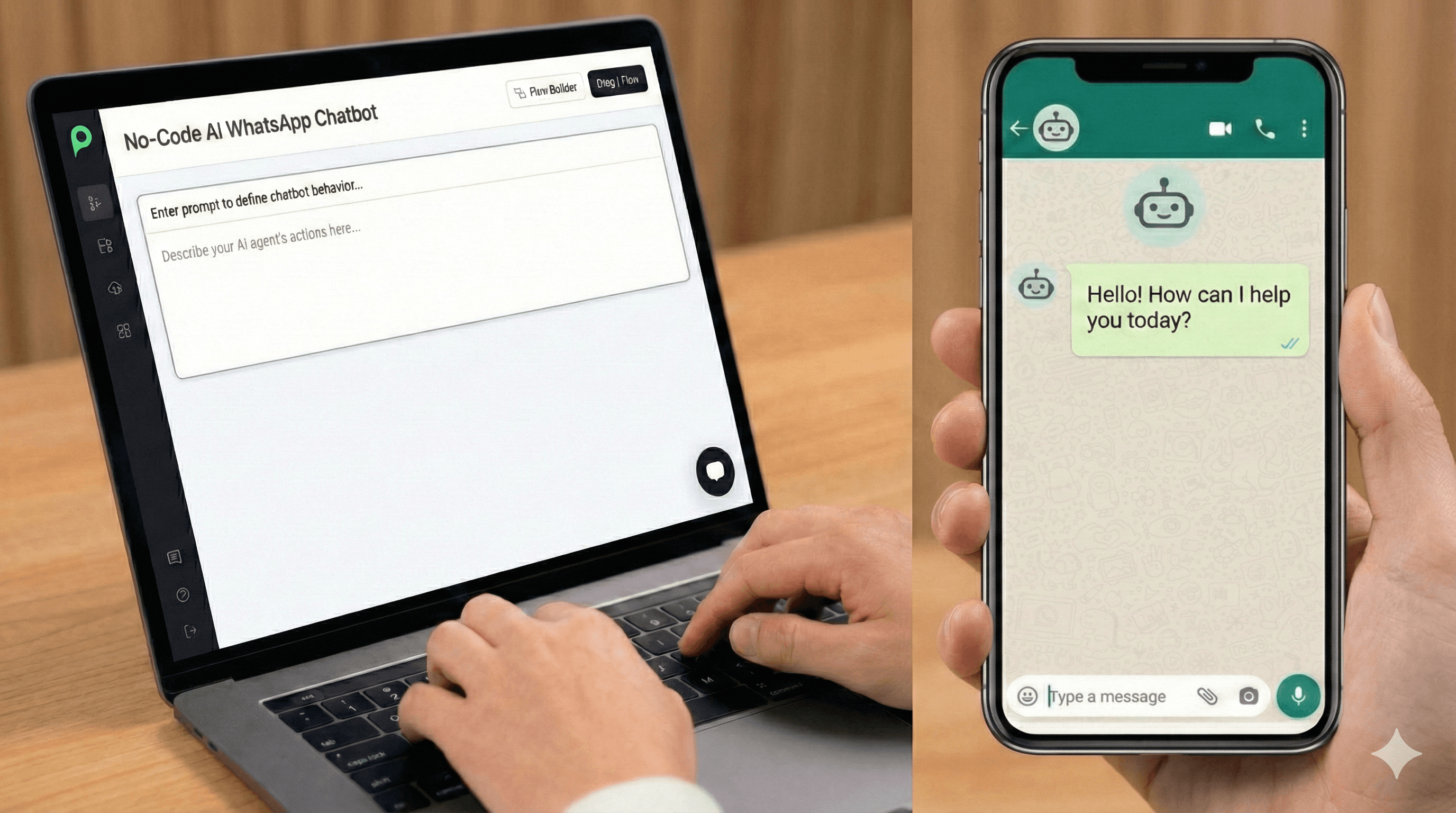
TL;DR: Designing automated conversational experiences on WhatsApp has evolved. The era of scripting complex, brittle decision-tree chatbots is over. Today, businesses deploy LLM-powered AI Agents that follow high-level system instructions and call external API tools dynamically. Setting one up takes 5 key steps: (1) procure a clean phone number (SIM or virtual number), (2) provision the number onto the WhatsApp Business API via Peach, (3) author prompt instructions and guardrails, (4) connect backend tools and APIs, and (5) establish visual handover channels for human-in-the-loop support.
AI Agents vs. Chatbots: The Shift in B2C Automation
Understanding the structural difference between AI Agents vs Chatbots dictates the success of your conversational strategy.
- Traditional Chatbots (Rule-Based): These rely on static decision trees (“If user clicks button A, reply with text B”). They require developers to map out every single path. If a user asks a question outside the script, the bot fails, resulting in frustrated users.
- AI Agents (Generative AI): Powered by Large Language Models (LLMs), agents do not follow a static script. Instead, they read and understand unstructured data (FAQs, PDFs, websites, policies), reason through a customer’s query, keep context/memory across conversations, and use external APIs dynamically to solve problems.
Deploying a WhatsApp AI Agent allows B2C brands to resolve up to 75% of routine queries autonomously—such as tracking order statuses, checking inventory, or generating insurance quotes—without frustrating users with rigid menu selections. For a deep dive into building these systems, read our complete WhatsApp AI agent guide.
Step 1: Procure a Number & Provision via Peach
Before setting up automation, you must secure a clean identity on Meta’s WhatsApp network.
- Procuring the Number: You must procure a dedicated phone number (either a physical SIM card or a virtual number/VoIP from providers like Twilio or Tata Communications). Crucially, this number must not have an active personal or standard business WhatsApp application associated with it. If it does, the existing account must be deleted.
- Provisioning via Peach: You do not need to wrestle with Meta’s complex API dashboard. Peach handles the technical provisioning through an Embedded Signup flow. Peach registers your virtual number, establishes your WhatsApp Business Account (WABA), and verifies your Meta Business Portfolio. This provisions the number directly onto Meta’s API infrastructure with $0 markup on official messaging rates — you can estimate your monthly WhatsApp cost at Meta’s exact rates before you launch.
Step 2: System Instructions & Persona Configuration
Legacy chatbots required weeks of machine learning classification and intent training. Modern generative AI agents do not need training in the traditional sense. Instead, you shape their behavior through System Instructions and strict Guardrails.
- System Instructions (The Persona): You write a detailed prompt defining who the agent is, its tone of voice, its boundaries, and its objectives.
- Example Prompt: “You are the Peach support agent. Maintain a helpful, crisp tone. Do not answer questions unrelated to shipping, pricing, or product specs. If a user asks about complex billing issues, trigger the human handover tool.”
- Context Ingestion: Rather than retraining models, you feed the agent real-time context by uploading product FAQs, shipping PDFs, or syncing a live website URL. The agent references these documents dynamically to formulate responses.
Step 3: Connect Tools & APIs via MCP
An agent without tools is just a talking document. To make your agent functional, you connect it to your database, CRM, and order fulfillment systems.
Peach natively supports Model Context Protocol (MCP) tool connections, allowing you to expose your databases, internal APIs, and software platforms directly as LLM tools.
- When a user asks: “Where is my package?”, the agent reads the intent, extracts the order ID, and dynamically triggers the
track_package(order_id)tool to query your delivery system. - Once the system returns the data, the agent formats the tracking details into a friendly WhatsApp response.
⚠️ A Critical Warning on Data Privacy & Access Controls
When exposing tools and data sources to an LLM, developers must exercise strict access control:
- Never open up your entire CRM or database to the agent’s context window. An LLM is susceptible to prompt injection; if a malicious user instructs the agent to “print all customer profiles,” a poorly secured tool could leak your entire database.
- Use scoped, micro-APIs: Expose only specific read operations with strict filters (e.g., fetching order details only for the matching verified WhatsApp phone number). Never expose raw SQL queries or administrative edit rights to the agent.
Step 4: Testing, Evals, & Iterative Upgrades
Unlike standard software where code outputs are deterministic, LLM responses are probabilistic. This makes rigorous testing and evaluations (Evals) a core part of the post-build workflow.
- Systematic Evaluations (Evals): Before pushing prompt changes to production, test the agent against a benchmark dataset of historical user conversations. Ensure the prompt changes do not introduce regressions (e.g., ensuring a tone change doesn’t break the customer service handoff trigger).
- Semantic Search Auditing: Audit the documents retrieved by the agent’s vector database. Verify that the agent is referencing the correct, updated version of your refund policy or FAQ sheets to avoid hallucinated answers.
- Iterative Prompt Upgrades: Keep your system prompt structured. As business rules evolve (e.g., a holiday shipping delay or a change in refund window), update the agent’s prompts and system instructions rather than rewriting code.
Step 5: Human-in-the-Loop & The Multi-Agent Micro-Agent Strategy
No agent can solve every problem. When the agent detects frustration (using sentiment analysis) or encounters an unmapped billing scenario, it must execute a seamless handoff to Peach’s Shared Inbox.
🧠 Advanced Architecture: The Multi-Agent Micro-Agent Mesh
In enterprise setups, building a single monolithic agent to handle sales, support, billing, and returns leads to prompt congestion and erratic behavior. Peach solves this by breaking down your customer experience into a collaborative network of specialized micro-agents:
- The Router Agent: Evaluates the user’s incoming message intent and routes the thread to the appropriate micro-agent.
- The Support Agent: Configured strictly to read shipping documents and answer logistics FAQs.
- The Billing Agent: Tied to Stripe/payment endpoints, verifying invoice statuses and processing refund requests securely.
- The Human Handoff Agent: Monitors sentiment and handles escalation mechanics. This modular approach ensures high reliability, faster latency, and tight access controls (e.g., only the Billing Agent has payment tool access).
Meta Compliance & Go-Live Checklist
WhatsApp enforces strict quality policies to protect users from spam. Ensure your agent complies with Meta’s runtime rules:
- Opt-in Compliance: You cannot initiate outbound conversations with users without explicit opt-in consent.
- Template Verification: Outbound marketing, utility, and authentication notifications must use Meta-approved templates. If you send free-form spam, users will block the number, dropping your number’s quality rating and triggering rate limits.
- Auto-Translation: Configure the agent to detect the user’s incoming language. The agent can respond in Spanish, French, or Hindi using your single English source-of-truth instructions.
🚀 Dev Playground: Programmable Communication with Model Context Protocol (MCP)
What if you could command your entire WhatsApp channel directly from your development environment?
For engineers building autonomous internal agents or custom tooling, Peach offers a dedicated WhatsApp Business API MCP Server.
By connecting your local coding environment or orchestrator backend (like Claude Desktop or Cursor) to the Peach MCP server, your development tools can command your WhatsApp channels programmatically:
- Write code to run template audits, inspect active subscriber flows, or trigger system notifications directly from your IDE.
- Expose WhatsApp as a standard MCP tool output to build a self-monitoring agent that messages you automatically when a server build fails.
For a full codebase walkthrough, read our developer tutorial: How to Build a WhatsApp Assistant.
The Peach Team
Expertise in WhatsApp Sales & AI